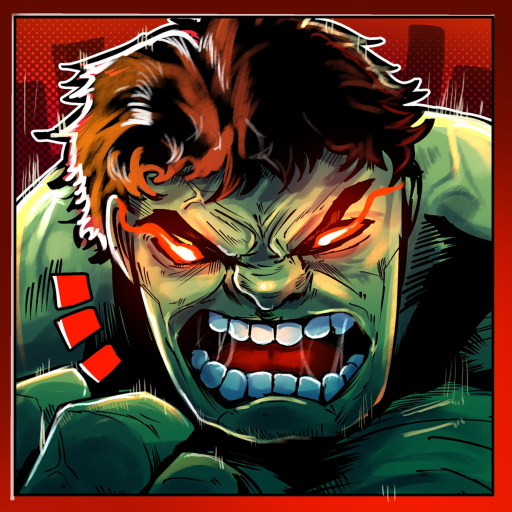
Hide From The Hulk Official Community and Discord
Use the creator’s actual destinations
- Play: Open Hide From The Hulk on Roblox through the official experience link.
- Announcements: Use the owning Roblox community and the developer-linked Discord for game news.
- Identity: Sushi Deluxe Studios and Clozy develop this experience; similarly named Hulk games are separate destinations.
Find the correct game and creator
The official Hide From The Hulk experience is the Roblox game developed by Sushi Deluxe Studios and Clozy. Its Roblox page links the owning Hide From The Hulk community. Start from those destinations when your question is about access, a game announcement or an account’s actual purchase offer.
Use the official Roblox experience rather than a similarly named result. The gameplay below is a recognizable example of this experience, but a player video and an official creator announcement serve different purposes. Use the creator destinations for the announcement itself.
Reported available onChoose the destination for your question
The Roblox creator community is useful for announcements tied directly to the game’s owner. The community material includes a Doctor Strange update notice with practical changes such as shared portal access, hero rotation and AFK behavior.
The official Discord invitation is linked by the developer’s studio site for this game. Use that exact destination if you want the creator’s community space. Joining a server does not turn a fan guide, another player or an unsolicited offer into official support.
The developer studio lists this exact experience among its games. Its other projects are separate games, so an announcement about one of those projects should not be read as a change to Hide From The Hulk.
| What you need | Where to start |
|---|---|
| Open the game or inspect its published offers | The official Roblox experience. |
| Read the owner’s game announcements | The owning Roblox community. |
| Join the developer-linked game community | The exact Discord invitation listed here. |
| Check the studio’s connection to the experience | Sushi Deluxe Studios’ own site. |
Read the announcement before the reaction
A useful game announcement tells you what changed and which feature it concerns. The community’s Doctor Strange notice, for example, explains that portals can be used by soldiers, heroes, NPCs and The Hulk. That is a concrete rule a player can apply, unlike a general claim that a new hero makes every fight easy.
Keep a game-page title, a community notice and a player reaction in their proper context. They may describe the same period without being the same announcement. A title marker is useful for recognizing the experience; the actual notice supplies the feature explanation.
When asking a gameplay question, include the role or feature involved and what happened. That gives another player a clearer starting point than a broad claim that the game is broken. Keep account credentials and private recovery information out of public conversations.
Continue with the question you came to solve
If you were looking for a change to the game, the updates guide separates official feature notes from the current title marker. If you were trying to find the right place to start playing, use the beginner guide after opening the official experience.
This wiki is an independent fan resource. The creator’s Roblox and Discord destinations remain separate from the wiki, and following one of these links does not submit a message through this site. Pick the destination that matches the task you actually want to complete.
Keep the exact game link handy for future visits. It is a simple way to return to the right experience when a search result, clip title or conversation uses a shortened name.